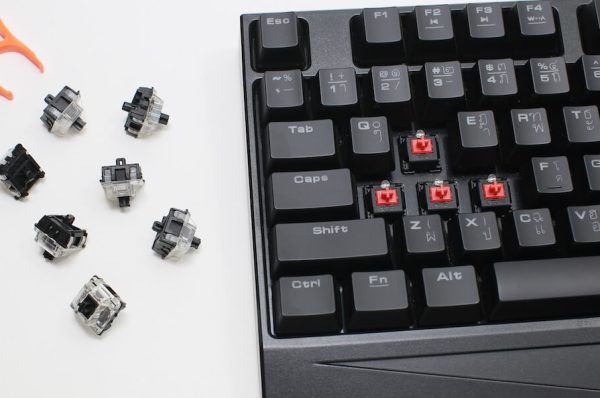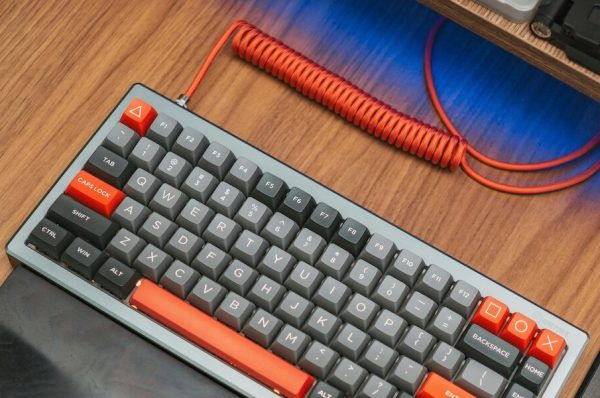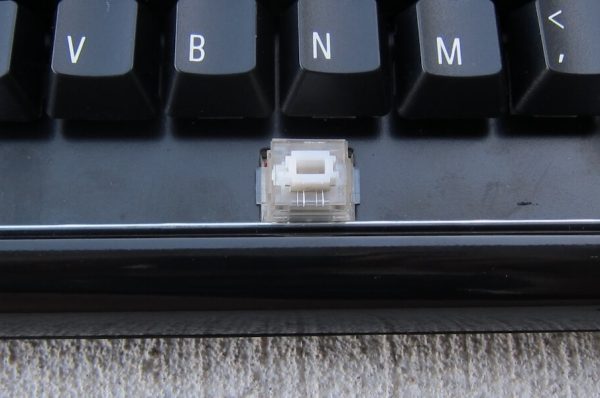

Switch problems can turn your favorite mechanical keyboard into a frustrating experience. Whether you’re dealing with Cherry MX, Gateron, Kailh, or other switch types, many issues share common causes and solutions. This guide will help you identify problems and make informed decisions about repairs.
Understanding Switch Problems
The most common switch issues fall into several categories:
- Chattering (key repeating): When a single keypress registers multiple times
- Inconsistent feel: Switches that feel different from others of the same type
- Non-registering keys: Switches that fail to send input
- Sticky or slow keys: Switches that don’t return smoothly
- Physical damage: Broken housings or bent pins
Diagnosing Common Issues
Chattering and Key Repeats
This frustrating problem makes single keypresses register multiple times. It’s often caused by:
- Metal contact wear
- Dust and debris accumulation
- Liquid damage
- Contact leaf misalignment
For Cherry MX and similar switches, cleaning with compressed air is your first step. If that doesn’t work, contact cleaner (like DeoxIT) can help restore proper function. Some switches, particularly older ones, may require disassembly for thorough cleaning.
Inconsistent Feel
When switches lose their signature feel, it’s usually due to:
- Debris contamination
- Manufacturing inconsistencies
- Dried or uneven lubrication
- Normal wear and tear
Modern switches like Gateron and Kailh often respond well to lubrication. For vintage switches, especially Cherry MX, cleaning and re-lubrication can restore their original feel.
Repair or Replace?
Consider repair when:
- The keyboard has sentimental or vintage value
- Only a few switches are affected
- You enjoy keyboard maintenance
- The switches are rare or discontinued
Replacement might be better if:
- Switch housing is severely damaged
- Multiple switches are failing
- Replacement switches are readily available
- You have hot-swap sockets
Switch-Specific Repair Notes
Cherry MX
The oldest and most documented switch type. Notable for:
- Durable construction
- Well-documented repair procedures
- Readily available replacement parts
- Relatively easy disassembly
Gateron/Kailh/Other Clones
Modern alternatives that share similar repair approaches:
- Often more smooth out of the box
- Generally pre-lubed
- May have different disassembly methods
- Usually cheaper to replace than repair
Basic Repair Process
While specific steps vary by switch type, most repairs follow this pattern:
- Confirm the problem isn’t software-related
- Try external cleaning first
- If needed, disassemble the switch
- Clean internal components
- Consider lubrication
- Reassemble and test
Preventive Maintenance
Good habits extend switch life across all brands:
- Keep your keyboard clean: Regular dusting and cleaning prevents most common issues
- Handle with care: Proper keycap removal and gentle typing preserve switch health
- Monitor changes: Address unusual sounds or feelings promptly
- Protect from spills: Liquid damage is a common switch killer
When to Seek Help
Consider professional repair when:
- You’re working with rare or valuable switches
- The problem affects multiple switches
- Initial repair attempts haven’t helped
- You’re not comfortable with disassembly
Final Thoughts
Switch problems don’t always mean you need a new keyboard. With proper diagnosis and care, many issues can be resolved through cleaning, lubrication, or targeted repairs. Start with the simplest solutions first, and don’t be afraid to seek help from the keyboard community for more complex problems.
Remember: The best repair is prevention. Regular maintenance and careful use will help keep your switches functioning properly, regardless of their brand or type.